- Corporate
- Solutions
- Microsoft Solutions Overview
- Microsoft Dynamics 365 Business Central ERP Solution with Copilot Ai technology
- Microsoft Dynamics 365 – Sales (CRM)
- Microsoft Sustainability Solutions
- Microsoft Copilot Services
- Microsoft Fabric
- Microsoft Dynamics 365 Finance
- Microsoft Dynamics 365 Supply Chain Management
- Marketplace Offers
- AI Agents
- Services

Copilot Studio Agent Flows with AI and Human Approvals

Mastering Agent Flows in Microsoft Copilot Studio
Compusoft Advisors
Unlocking Business Potential: Why You Need a Microsoft Solution Partner for Dynamics 365
You need a Microsoft Solution Partner for Dynamics 365 because the software is only half the project. The other half is configuration, data migration, integration, user training and year-end support. That’s where rollouts tend to stall. A partner brings a proven method, a team that has done this before and a helpdesk that picks up the phone. Compusoft Advisors, established in 1997, runs its Dynamics implementations on Microsoft’s Sure Step methodology. Here’s what a partner changes, and how to choose one.
What Does a Microsoft Solution Partner for Dynamics 365 Do?
A Microsoft Solution Partner for Dynamics 365 plans, implements, integrates and supports your Dynamics 365 ERP and CRM system. It maps your processes to the software, moves your data across, connects Dynamics 365 to the rest of your Microsoft stack and keeps everything running after go-live. You deal with one accountable team instead of a pile of vendors.
In practice, the work breaks into five jobs:
Compusoft’s range covers Business Central with Copilot, Dynamics 365 Sales, Dynamics 365 Finance and Dynamics 365 Supply Chain Management. Choose your starting module. The partner sequences the rest.
In practice, the work breaks into five jobs:
- Scoping: matching Dynamics 365 modules to the process that hurts most.
- Configuration: setting the system up around how your people actually work.
- Migration: moving data from older systems without losing or corrupting it.
- Integration: linking Dynamics to Microsoft 365, SQL, SharePoint and Azure.
- Support: training users and fixing problems after go-live.
Compusoft’s range covers Business Central with Copilot, Dynamics 365 Sales, Dynamics 365 Finance and Dynamics 365 Supply Chain Management. Choose your starting module. The partner sequences the rest.
Signs You've Outgrown Spreadsheets and Standalone Tools
Watch for these:
Real estate developers hit this ceiling early. Compusoft’s AI CRM for real estate post explains why Indian developers are ditching spreadsheets for smarter sales.
- Your finance team rebuilds the same reconciliation spreadsheet after every close.
- Sales leads live in personal inboxes and chat threads.
- Warehouse stock counts never match the books.
- Management reports take someone a full day to assemble.
- Your Dynamics NAV or AX system sits several versions behind.
Real estate developers hit this ceiling early. Compusoft’s AI CRM for real estate post explains why Indian developers are ditching spreadsheets for smarter sales.
Why Going It Alone Costs More Than It Looks
The licence is the cheap part
Buy a licence and you own a toolbox. You don’t yet own a finance close that finishes on schedule, a sales pipeline your team trusts or a warehouse that ships on time. Those outcomes come from design decisions made in the first few weeks. Get them wrong, and you spend the next year patching.
Licensing and delivery also work better under one roof. Compusoft handles software licensing alongside implementation, so the commercial conversation and the technical one involve the same people.
Generalists learn on your budget
A generalist IT vendor treats Dynamics as one line item among many. A specialist team lives in it. Compusoft’s consultants have worked through the full Dynamics implementation cycle multiple times, and the team has stayed together for years, delivering projects jointly. They know their roles before your kickoff meeting starts.
Five Advantages a Solution Partner Brings
1. A method instead of improvisation
Microsoft’s Sure Step methodology bundles project management discipline, field-tested practices and tools to deploy, migrate, configure and upgrade Dynamics products. Compusoft implements Dynamics on it. You get defined stages and deliverables, so go-live day holds fewer surprises.
2. Domain and product expertise in one team
Compusoft pairs Dynamics specialists with domain experts on the same project. The person who understands your general ledger works alongside the consultant who configures it.
3. Integration across the Microsoft stack
Dynamics 365 performs best when it connects to everything around it. Compusoft is a Microsoft partner across Office 365, Azure, SQL, SharePoint, Power Pivot and Windows Server, so integration doesn’t need a second vendor. Your ERP data reaches Office documents, SQL reports and Power BI dashboards without clumsy workarounds.
4. A migration path for older NAV and AX systems
Still running an early Dynamics NAV or AX build? Compusoft migrates NAV from version 3.60 onwards and AX from version 3.0 onwards, again following Sure Step. It also maintains NAV from 3.70 and AX from 3.0 under annual support. Legacy systems get a way forward, not a forced rip-and-replace.
5. AI readiness from day one
Compusoft pairs Dynamics 365 with Microsoft Copilot and the Power Platform. Its AI agent range includes the Expense Management, HRMS, ITSM and Document Analyzer agents, plus services for building agents in Copilot Studio. A partner that builds agents can wire them into your ERP data from the first sprint.
Ready-Built Solutions Shorten the Road
A partner with its own solution library starts you ahead of zero. Compusoft’s marketplace offers include a Dealer Management Solution, a Real Estate Solution, Buildex, an Inventory Report Pack and 26AS TDS Reconciliation using AI. For Business Central, it adds E-Invoicing and GL Revaluation. If your industry matches one, you adapt a working base instead of writing requirements from a blank page.
What Happens After Go-Live Decides Your Return on Investment
Go-live is day one, not the finish line. Compusoft’s annual support for Dynamics covers:
Year-end is when weak support shows. Closing the books on an unmaintained system makes for a long night, and a phone line matters when a posting fails at 9 p.m. A partner that has already tuned your database and rolled out the latest hot-fixes turns year-end into a routine task.
Enhancements follow naturally: extra modules, new reports and BI, integrations with other business systems, industry-specific solutions and custom apps connected to Dynamics. Read more about Post Implementation Support and Application Management Services.
- A support helpdesk reachable by phone, email and chat
- Periodic database administration and performance tuning of your Dynamics instance
- Hot-fixes installed, tested and rolled out periodically
- Business-critical support for events like financial year-end
- Functional and technical training for your users
Year-end is when weak support shows. Closing the books on an unmaintained system makes for a long night, and a phone line matters when a posting fails at 9 p.m. A partner that has already tuned your database and rolled out the latest hot-fixes turns year-end into a routine task.
Enhancements follow naturally: extra modules, new reports and BI, integrations with other business systems, industry-specific solutions and custom apps connected to Dynamics. Read more about Post Implementation Support and Application Management Services.
| Measure | What it helps reveal |
| Failed runs and repeated retries | Broken connections or unstable actions |
| Time to final business outcome | Delays hidden by successful technical steps |
| Claims waiting for information or approval | Work accumulating with people |
| Credits per completed claim | Increasing operating cost |
| Duplicate and correction rates | Data quality or replay problems |
| Human override rate | AI recommendations needing improvement |
How to Choose a Dynamics 365 Implementation Partner in India
Run any shortlist through six questions:
Compusoft’s public record gives you something to check. Case studies cover skincare and wellness, optical retail and pharmaceutical businesses. Kotak Mahindra Bank used Compusoft’s Dynamics space management solution to speed up seat allocation and cost allocation across business units. The company was also named a winner in the 2019 IAMCP Global Partner-to-Partner Awards.
On the last question: Compusoft has offices in Thane, Delhi, Kolkata and Sydney, and serves clients across India, Australia, Singapore, the U.K., the U.S. and the UAE.
- Can they prove Microsoft Solution Partner status?
- Which implementation methodology do they follow, and can they show the stage plan?
- Who will staff your project, and how long has that team worked together?
- What does support look like after go-live: channels, hot-fix cadence, year-end cover?
- Do they have references in your industry?
- Where are their people located?
Compusoft’s public record gives you something to check. Case studies cover skincare and wellness, optical retail and pharmaceutical businesses. Kotak Mahindra Bank used Compusoft’s Dynamics space management solution to speed up seat allocation and cost allocation across business units. The company was also named a winner in the 2019 IAMCP Global Partner-to-Partner Awards.
On the last question: Compusoft has offices in Thane, Delhi, Kolkata and Sydney, and serves clients across India, Australia, Singapore, the U.K., the U.S. and the UAE.
Start With One Process
Pick the process that eats the most hours in your business: month-end close, lead follow-up, stock reconciliation. Bring it to Compusoft. The team will assess your current systems, data and users, then recommend an implementation, integration or AI-agent path.
Bring one process, one pain point and one deadline. A first call should leave you knowing which Dynamics 365 module fits, what the project involves and who would run it.
Call +91 22 4974 5171/75, write to info@compusoftadvisors.com, or use the Contact Us page and ask for a Dynamics 365 conversation.
Recent Post
-
 26 Nov 2026Why You Need a Microsoft Solution Partner for Dynamics 365
-
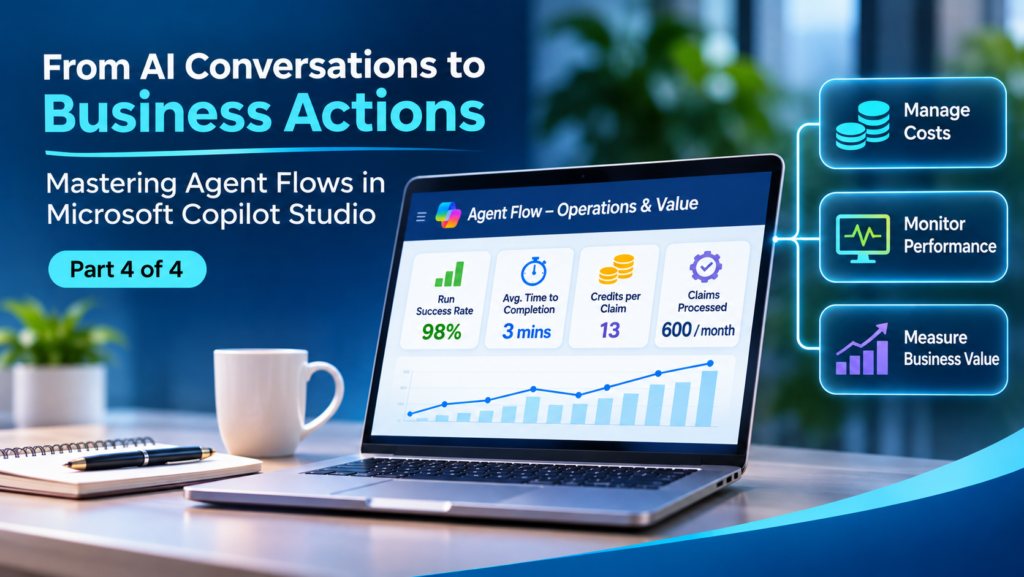 19 Nov 2026From AI Conversations to Business Actions
-
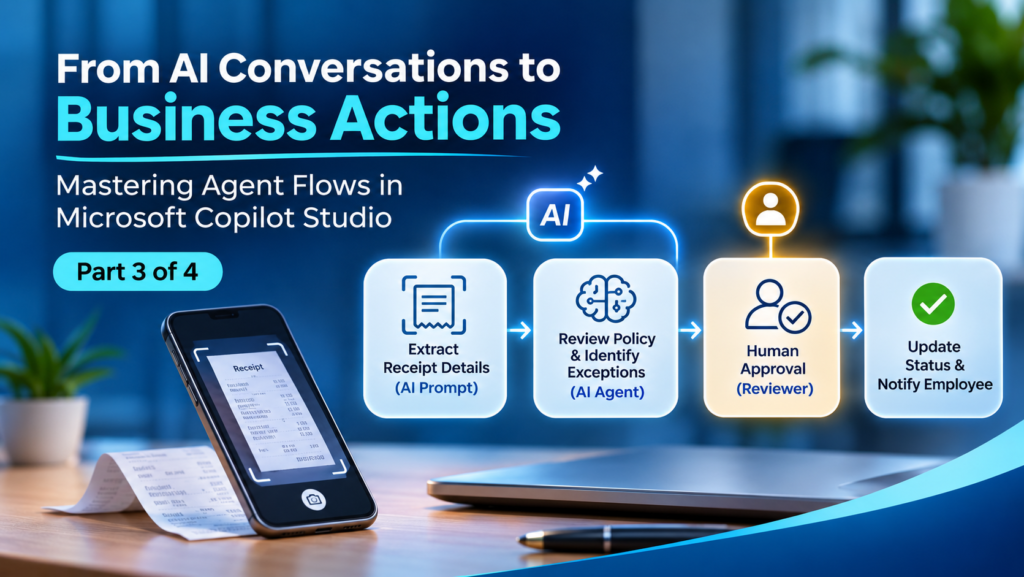 12 Nov 2026Copilot Studio Agent Flows with AI and Human Approvals
-
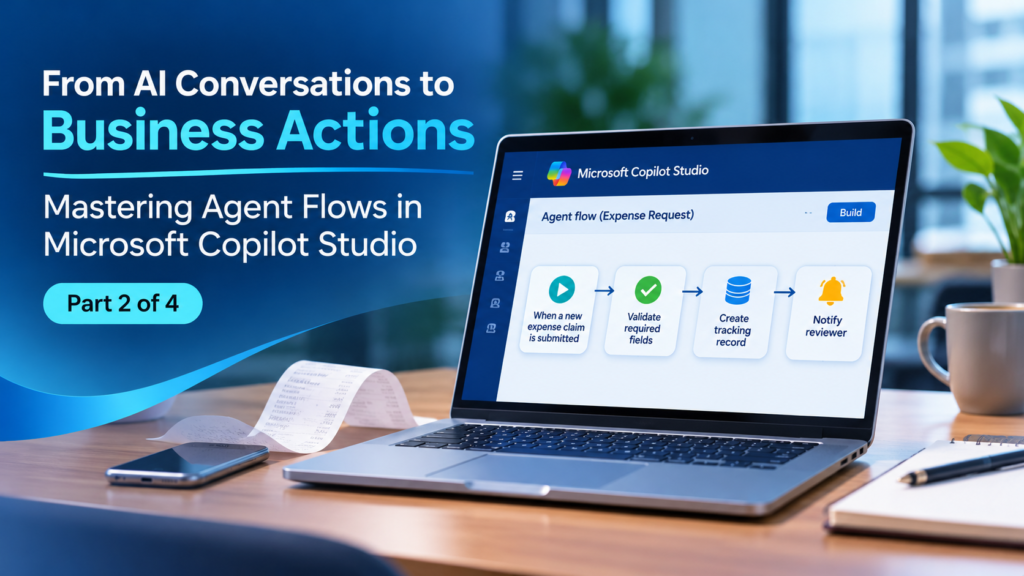 06 Nov 2026How to Create Agent Flows in Microsoft Copilot Studio
-
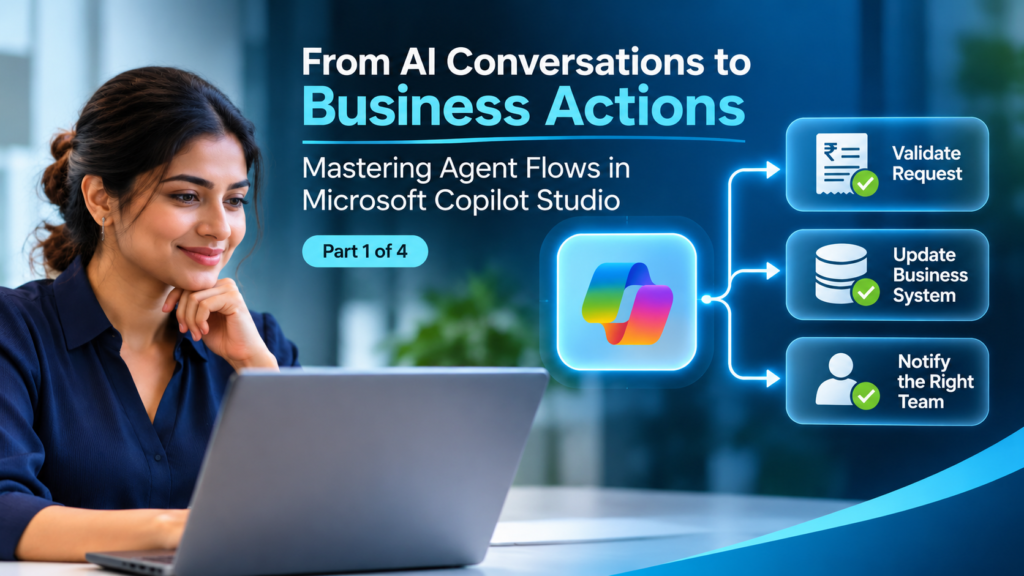 05 Nov 2026Agent Flows in Microsoft Copilot Studio Explained
-
 04 Nov 2026Scaling Beyond Chatbots: Building Industry-Ready Autonomous Agents on the Microsoft Ecosystem
Grow Your Business Today
Aggarwal Estate, Chitalsar Manpada, S V Road, Thane 400 610
Microsoft Solution Partner
Quick Link